What to Do When OnlyFans Asks for Face Verification (And How to Avoid It)
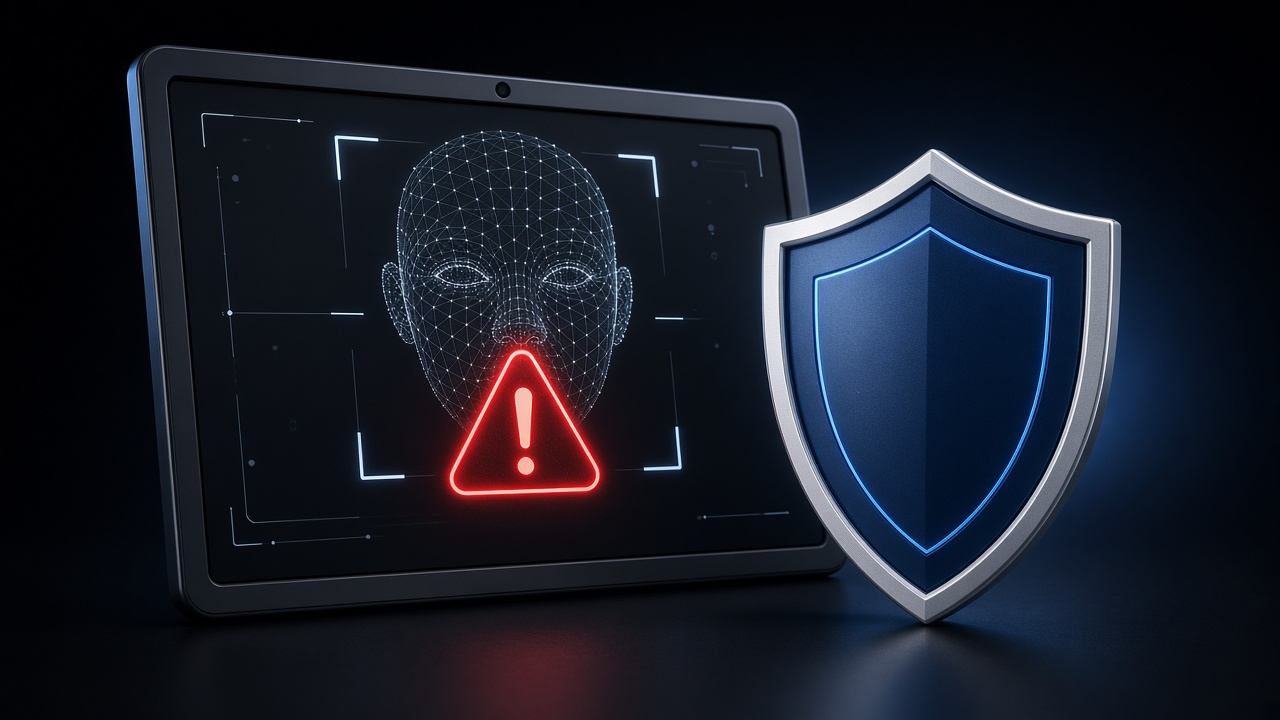
What Is Face Verification?
OnlyFans periodically asks creators to verify their identity by taking a live selfie that matches their government ID on file. This is a security measure designed to prevent unauthorized account access.
When face verification triggers, everyone is locked out of the account until the creator personally completes it. If the creator is asleep, traveling, or unavailable, your entire operation stops. No chatting, no sales, no revenue. For agencies managing multiple creators across time zones, this is one of the most disruptive operational issues.
Why It Gets Triggered
OnlyFans does not publish their exact triggers, but the patterns are clear from agency experience:
- Multiple IP addresses. This is the #1 trigger. When your account is accessed from 5 different IP addresses in a day (each chatter at home on their own internet), OnlyFans flags it as suspicious.
- Geographic inconsistency. If the creator is in Miami but logins come from London, Manila, and São Paulo within hours, the system flags it.
- New device fingerprints. Every new browser or device that accesses the account raises the risk score.
- Unusual activity patterns. Sudden spikes in messaging volume or login frequency outside normal patterns.
The Fix: Proxy Support
The solution is straightforward: route all account access through a single proxy server. Every team member, every tool, every connection appears to come from the same IP address. OnlyFans sees one consistent login location instead of a scattered map of global connections.
Not all CRM platforms include proxy support. Supercreator, for example, does not offer it. This means every team member logging in from their home IP increases your face verification risk.Lurera, CreatorHero, Infloww, and Substy AI all include proxy support.
What to Do When It Happens
If face verification is triggered:
- Contact the creator immediately. Have a fast communication channel (WhatsApp, Telegram) outside of OnlyFans. Every minute of delay is lost revenue.
- The creator needs good lighting and their ID. The selfie must match the ID photo clearly. Bad lighting or a different hairstyle can cause rejection.
- Do not attempt to bypass it. Using photos or videos of the creator instead of a live selfie is a violation of OnlyFans terms and can result in permanent account suspension.
- Document the incident. Track when and why it happened so you can prevent recurrence.
The AI Solution
AI chatbots like Lurera connect through a single, consistent API endpoint. There is no browser login, no device fingerprint, no IP variation. The connection looks identical every time, from the same location, with the same device signature.
Creators using AI chatbots report near-zero face verification triggers related to chatting activity. The only triggers they see are the routine periodic checks that OnlyFans does for all accounts regardless of login patterns.
Prevention Checklist
- Use a CRM with built-in proxy support for all team access
- Limit the number of people who access the account directly
- Keep the creator's phone number and ID easily accessible for quick verification
- Consider AI automation to eliminate multi-IP access entirely
- Set up a communication protocol so your team knows exactly what to do when it triggers
Ready to get started?
Free CRM, no credit card required. Add the AI chatbot whenever you're ready.